
Apple Pay
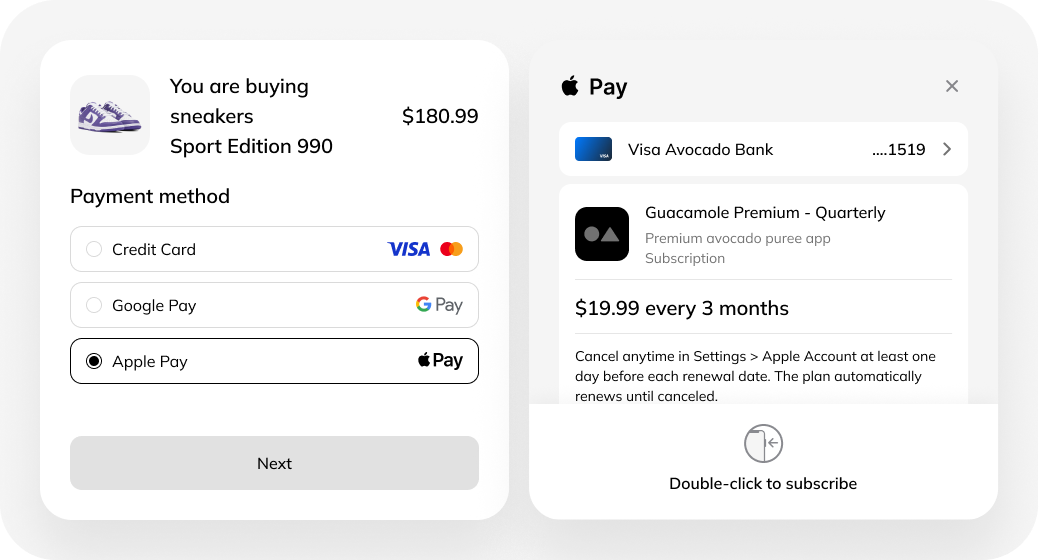
What is Apple Pay
Apple Pay is a modern, convenient, and secure payment method
Where it can be used
- In mobile apps on iOS and watchOS;
- In the Safari browser.
The technology is supported on the following devices:
- iPhone;
- iPad;
- Apple Watch;
- the latest MacBook models.
How Apple Pay works
The process of using the service consists of two stages:
1. Initial setup: the customer links a bank card to Apple Wallet once.
2. Subsequent payments: to confirm a transaction, the user uses:
- Face ID;
- Touch ID (fingerprint);
- double click (on Apple Watch).
Apple Pay security
Despite the simplicity of the payment flow, Apple Pay provides a high level of security:
- real bank card numbers are neither stored nor transmitted by the service;
- when a card is added to Apple Wallet, the real number is replaced with a token stored exclusively on the user’s device;
- at the time of payment, the token is sent together with a one-time code to Demo PSP to complete the transaction.
Terms of using Apple Pay
The technology can be used on websites and in mobile apps subject to Apple’s rules:
1. Apple Pay must not be used on resources that:
- violate the law;
- promote violence, intolerance, or hatred;
- are associated with fraud;
- infringe intellectual property rights.
2. Apple Pay cannot be used to pay for:
- tobacco products;
- narcotic substances;
- weapons;
- replica goods;
- adult products;
- currency (unless agreed with Apple);
- top-ups of electronic wallets.
3. To collect charitable donations through Apple Pay, you must register on the portalBenevity.
4. Apple Pay must not replace In-App Purchases in mobile applications.
5. Apple Pay should be offered alongside other payment methods connected to the website.
6. When connecting Apple Pay independently, it is necessary to followApple’s recommendations for using the service.
7. Each merchant and its resource must be identified and registered with Apple to process transactions.
Apple Pay payment flow
Step-by-step payment process:
- Checking device compatibility and creating a payment session. If the device is supported, the customer is shown the Apple Pay button.
- Merchant and domain validation by Apple Pay.
- Collection of payment data and customer authorization of the transaction (by entering a code or using a fingerprint).
- Receiving the PaymentToken from Apple Pay and decrypting the token using certificates.
- Processing a payment or authorization request with the paymentData object.
- Displaying the payment confirmation page to the customer and sending the operation result to Apple.